Posted on

Choosing a compact Fatek PLC: B1-10 or FBs?

Sample article for review. Most compact-panel enquiries to Rosehill come down to the same question: will a B1 economical main unit do the job, or should the machine go onto an FBs advanced unit from day one.

When the B1-10 is enough

The B1-10MT2-D24S is a small-body expandable PLC. It suits short conveyors, simple sequencing, and cabinets that cannot take a larger FBs main unit. Left- and right-side expansion is still available if analogue or extra digital I/O is needed later. Programming stays in WinProladder, so it is not a dead-end if the next machine is an FBs job.

When to specify FBs instead

Choose an FBs-24MCR2-D24 (or similar) when you already know you need high-speed counting, PID in the PLC, NC positioning, or a larger digital expansion stack. The extra cost is usually cheaper than ripping a B1 panel out six months later.

If you are unsure, send Rosehill the I/O list and the cabinet drawing. That is faster than guessing from a catalogue page.
Posted on

How left- and right-side expansion works on the B1 range

Sample article for review. B1 economical main units are designed to grow on the rail rather than by swapping the CPU. That is the same pattern as the compact bundle on the shop: main unit, left analogue, right digital.

Left side: analogue

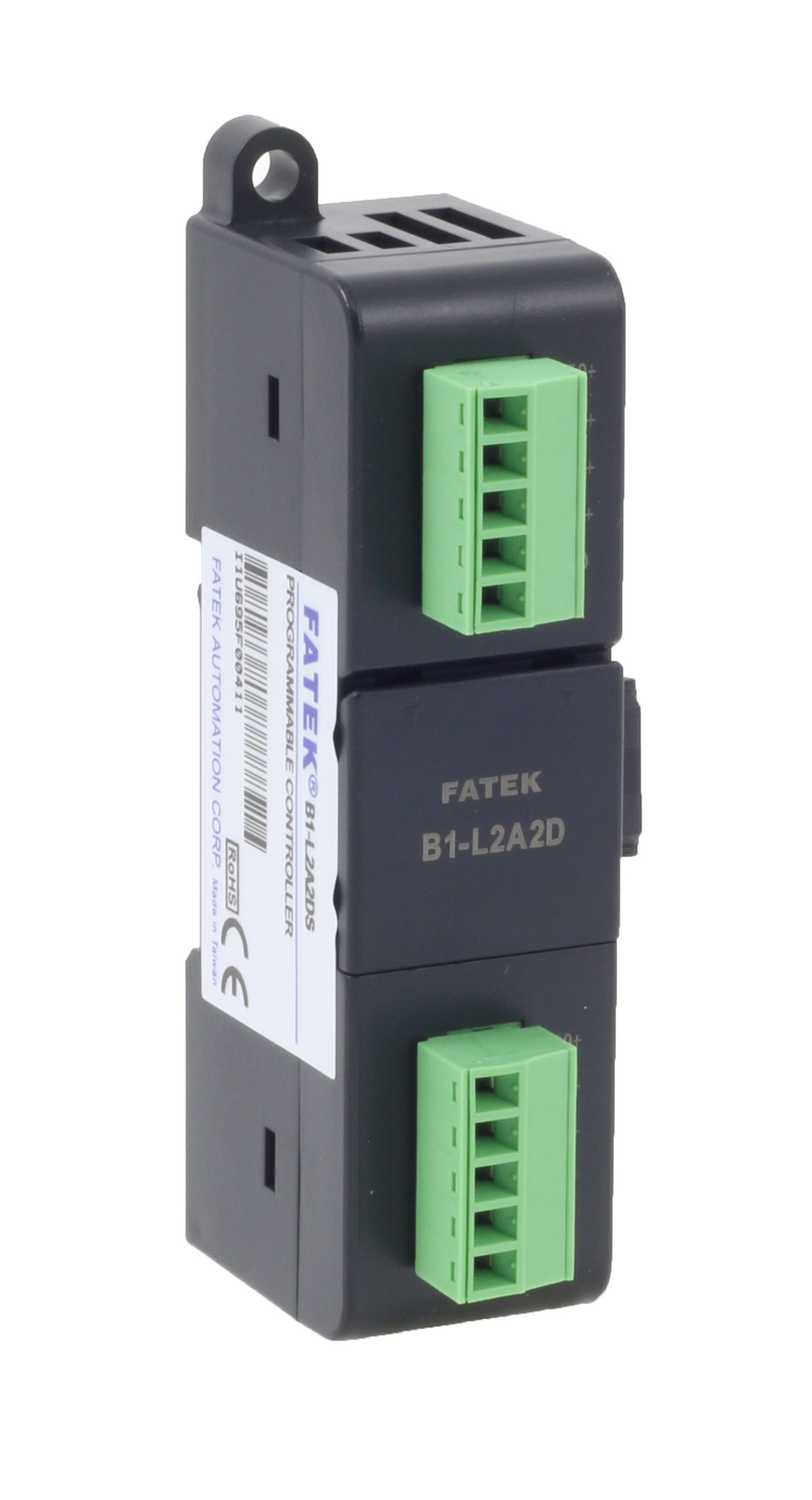
The B1-L2A2DS sits to the left of the main unit and takes analogue loops such as 4–20 mA from a level transmitter or a simple weigh signal. Addressing stays in WinProladder with the same expansion method as larger B1 jobs.

Right side: extra digital I/O

The B1-8XYRS adds digital points on the right for valves, sensors and extra outputs the main unit did not have on day one. You can ship a small panel now and add the module later without drawing a new enclosure.

If the rail is already full, that is usually a sign the job belongs on an FBs main unit instead. Rosehill can check the stack against the cabinet width before you order.

Posted on

When a P5 HMI is the right upgrade

Sample article for review. Text-only operator panels fail, go obsolete, or simply become too cramped once a machine has recipes and alarms. If the Fatek PLC program is proven, keep it and change the screen.

P5043N and P5043SA

The P5 4.3 inch range is the usual first step. P5043N and P5043SA are programmed in FvDesigner and talk to the existing Fatek PLC over serial. Recipe and alarm pages replace old key sequences without rewriting the ladder.

Take a programming cable

A USBA-MINIB-180 USB cable lets the builder adjust screens on site. Clone the HMI project onto the next similar machine rather than starting from a blank panel each time.

Send Rosehill the PLC port type and the pages you need (alarms, setpoints, recipes) and we will point at the matching P5 and cable.

Posted on

A first WinProladder project on a new Fatek main unit

Sample article for review. WinProladder is the same software for B1 and FBs. The first hour on a new main unit is usually wiring, comms and a trivial program — not the finished machine logic.

Before you connect

Fit the 24 VDC supply, check the port (RS-232 on many compact units), and install the current WinProladder build from the Fatek downloads area. Keep a USB-to-serial lead in the kit; the programming port is not Ethernet on the economical B1-10.

First download

Create a new project for the exact CPU, add one input and one output, and confirm you can force them. Only then import a previous machine project or start the real sequence. Mixing CPU types in an old project is a common reason a first download fails.

Rosehill can supply the main unit, the cable, and the download link. We do not rewrite your ladder for you unless that is a separate job.

Posted on

PID in the PLC, or a separate temperature controller?

Sample article for review. Ovens, seal bars and small process skids often arrive with a separate temperature controller for each zone. It works until the operator wants one HMI page, or a fault needs to stop the conveyor as well as the heater.

When standalone is still fine

A single-zone bench oven with no other interlocking can stay on an instrument. There is no benefit in moving PID into the PLC if nothing else in the panel needs the temperature value.

When to run PID in Fatek

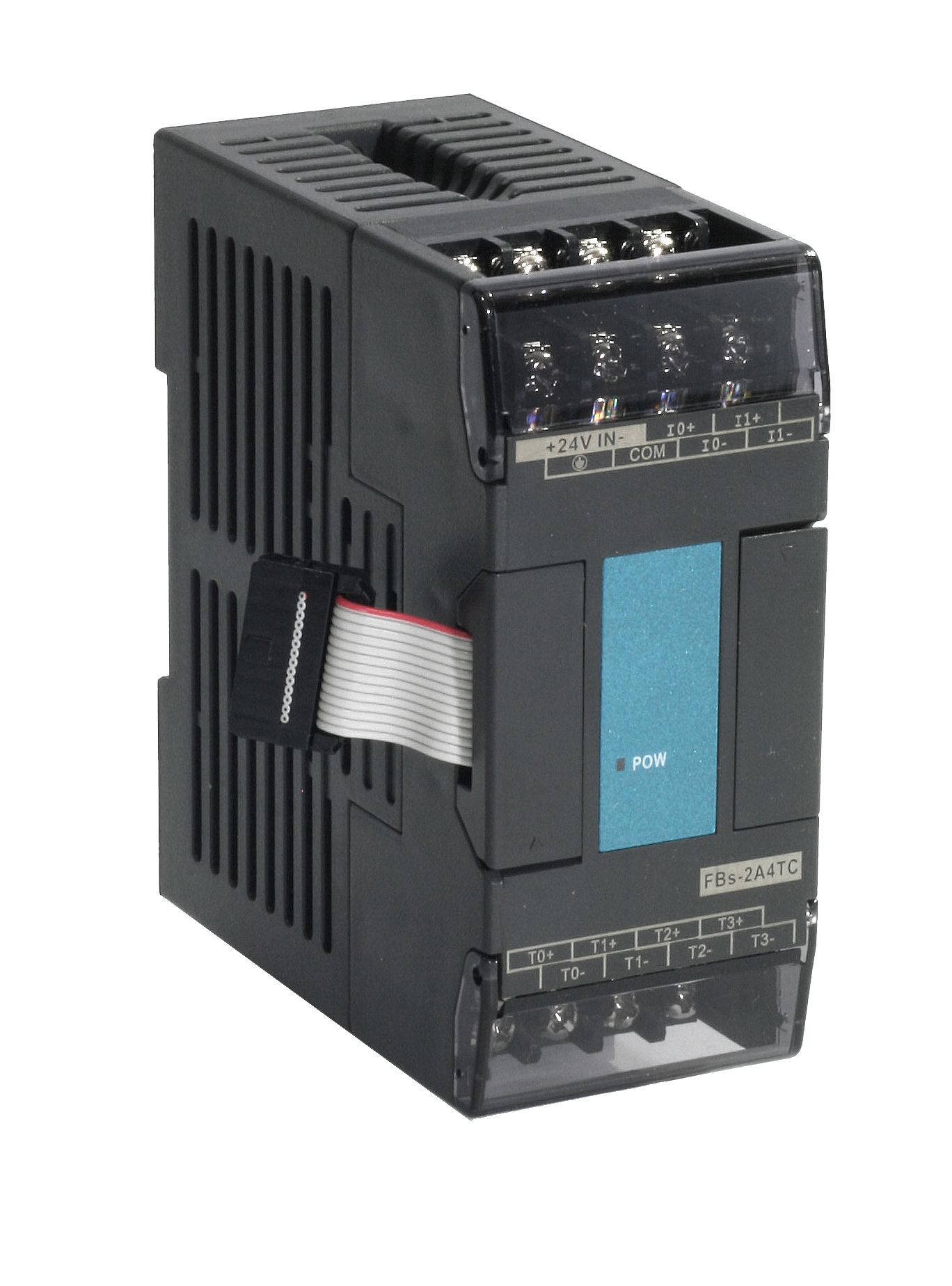
Use an FBs advanced main unit plus a thermocouple module such as FBs-2A4TC when you have more than one zone, or when setpoints and alarms belong on the same P5 HMI as the rest of the machine. PID instructions run in the PLC; bakers or operators adjust each zone without opening the panel.

If you already have thermocouple type and zone count, send them with the enquiry. That is enough for Rosehill to say whether the temperature module and HMI will fit the job.